Here is a detailed description of the Shiba Gallery Plugin.
New features for Shiba Gallery 3.7 –
1. Control Thumbnail Size
We can now specify thumbnail sizes for relevant galleries (Tiny Slideshow, Picture Slides, and Noobslide). Thumbnail size is set by using the tsize parameter, for example –
[gallery id="1969" size="(220,220)" tsize="(54,54)"]
The default tsize value is set to auto. This lets the plugin automatically determine a suitable thumbnail size, based on the total width of the gallery.
Below, we have two identical Noobslide galleries, but each with a different thumbnail size.
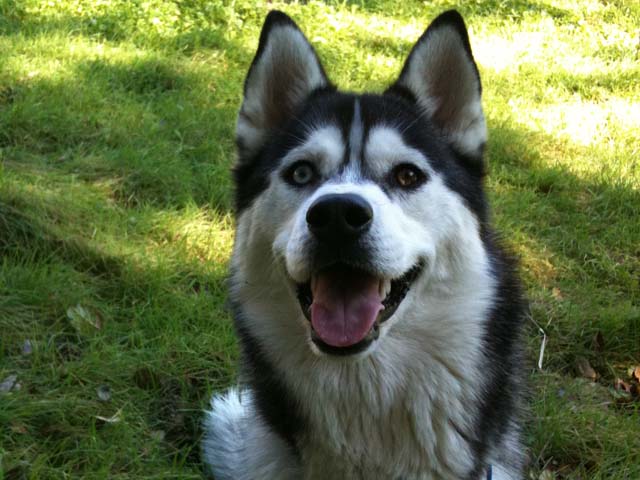
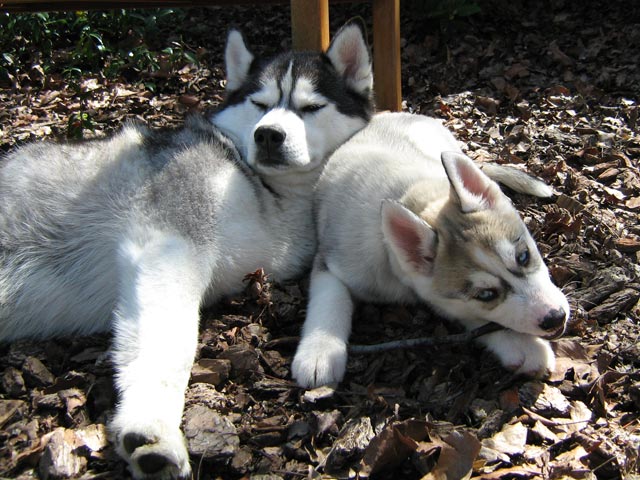
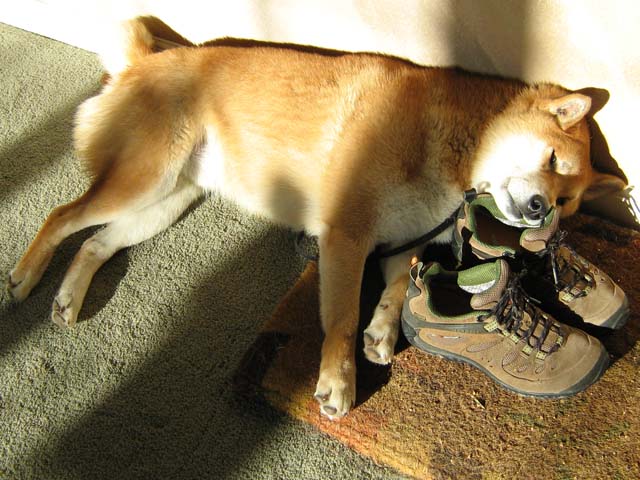
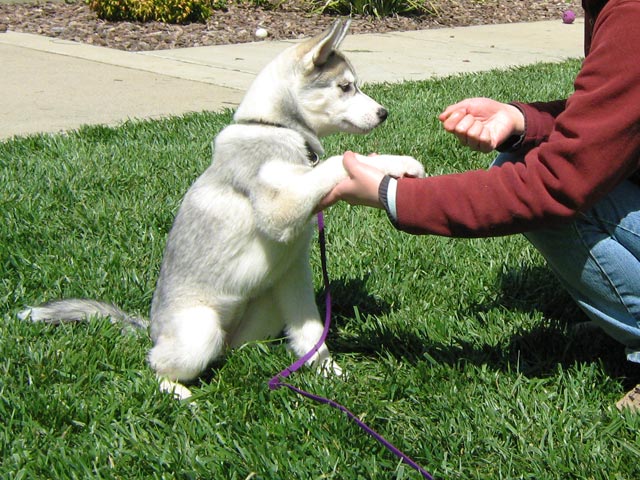


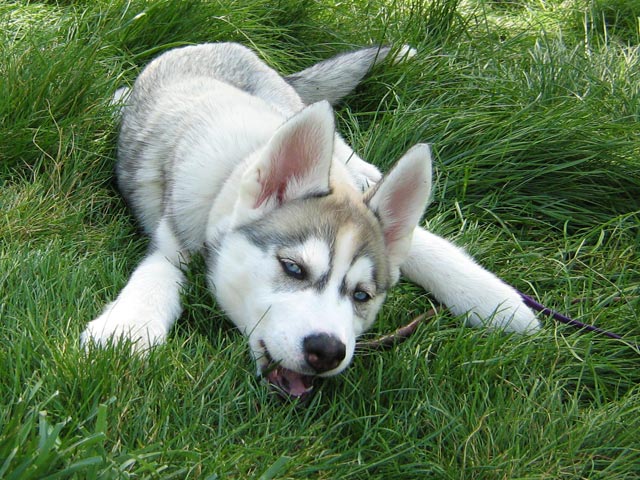
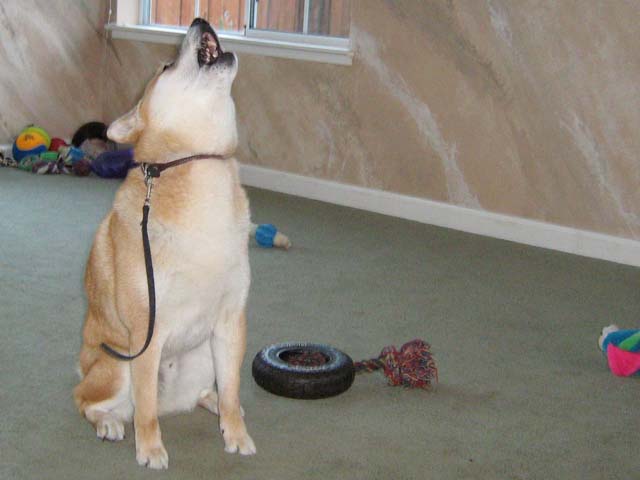
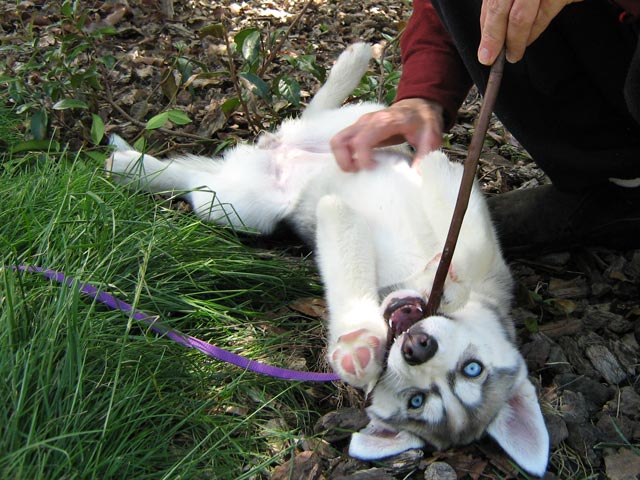
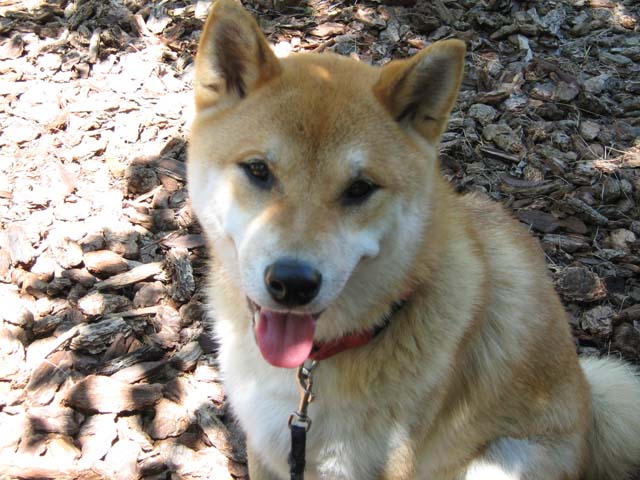


tsize="auto"


tsize="(32,32)"
2. New Galleries
Two new galleries have been added to the plugin.
I added back a new version of Galleria by Aino. Note – Galleria determines and sets thumbnail sizes on its own, so the tsize parameter will be ignored in this case.
We can change our galleria theme by hooking into the galleria_theme filter.
// Add to init function
add_filter('galleria_theme', 'set_galleria_theme');
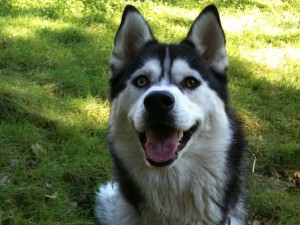 Siberian Husky smile.
 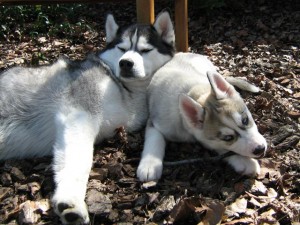 Big Husky and Little Husky.
 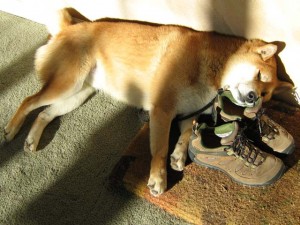 Shiba Inu and his shoe pillow.
 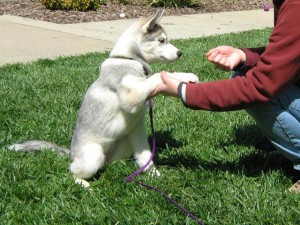 Dog handshake.
  Shiba Inu and duck toy.
 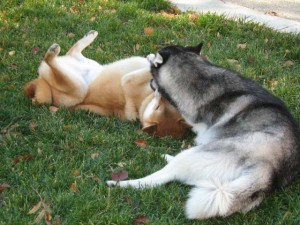 Shiba and Husky playing in the grass.
  Husky puppy on the green, green, grass of home.
 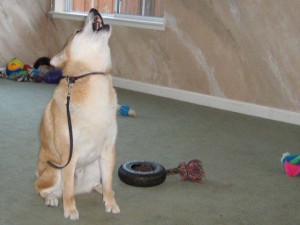 Shiba Inu singing for his supper.
  Husky puppy playing with a stick.
 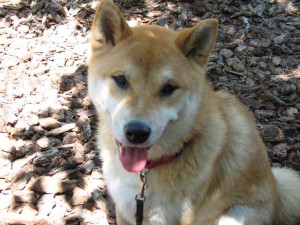 Shiba Inu smile.
Showing photos using Galleria
I have also added a navigation list gallery. This view is useful for grouping together a list of related posts, and then creating a site navigation page. For example, here is a navigation page on making greeting cards.
Below is a navigation list of 5 recent posts on this blog.
[gallery type="navlist" size="(54,54)" recent="1" numberposts="5"]

How to Harness the Power of WordPress Gutenberg Blocks and Combine It with Legacy Free-Form Text
We modify the WordPress Gutenberg editor so that we can use free-form text blocks as before and combine them with the power of blocks. In this way, we get the new power of Gutenberg blocks without losing [...]

Migrating Your WordPress Website to Amazon EC2 (AWS)
I describe how I migrated my WordPress sites onto an Amazon EC2 instance. I discuss the problems that arose during migration and how I fixed them.

How to Set-Up SFTP on Amazon EC2 (AWS)
This article describes how I set up a separate SFTP account on my Amazon EC2 server. We also describe how to use those SSH keys with WordPress.

How to Prevent Gutenberg Autop from Messing Up Your Code, Shortcodes, and Scripts
One of the biggest problems with Gutenberg autop for me is that it messes up my code, WordPress shortcodes, and scripts. Most of my articles were written before Gutenberg, and if I edit any of them using [...]
How to Create a WordPress Website on Amazon EC2 (AWS)
After a long-hiatus, I once again caught the web-bug and decided to get back to experimenting with my websites. My first project was to migrate my sites from Media Temple over to Amazon AWS. The key reasons [...]
Showing Recent Posts using Navigation List - type="navlist" size="(54,54)" recent="1" numberposts="5"
3. Gallery Defaults Value Filter
I have added a filter to the gallery default values. This allows us to assign special default values based on the current post we are on, and other blog variables. For example, Shaun is interested in changing the default gallery type based on post type. The example code below uses the slimbox gallery for posts, galleria for pages, and the default gallery for all other post types.
// Add to init function
add_filter('shiba_gallery_defaults', 'change_gallery_defaults');

function change_gallery_defaults($default) {
	global $post;
	switch ($post->post_type) {
	case 'post':
		$default['type'] = 'slimbox';
		break;
	case 'page':
		$default['type'] = 'galleria';
		break;
	default:
		break;
	}
	return $default;
}
Finally, I also fixed some previous compatibility issues with Internet Explorer 7 and Internet Explorer 8. All galleries should now work properly on these browsers. The plugin was also tested on Chrome and Firefox.
Howdy,
Great plugin, just one question I’m using this shortcode:
[gallery id=8162 type=lightbox size="thumbnail" caption="none"]
It works great, but how to set the next and prev arrow in the lightbox to always appear? I mean no need to hover to show it 🙂
Thank you
I would override the CSS with something like this-
.lb-prev { background: url('../wp-content/plugins/shiba-gallery/images/lightbox/prev.png') left 48% no-repeat; opacity: 1.0 !important; } .lb-next { background: url('../wp-content/plugins/shiba-gallery/images/lightbox/next.png') right 48% no-repeat; opacity: 1.0 !important; }Hi.
im trying to make a tiny2 gallery respond to the arrows in the keyboard. Is it possible? thanks
issa
Hi. is it possible to get old version of this wonderful plug-in to work with WP 3.3.2?
I only have time to support the latest version of the plugin.
Is Shiba Gallery 3.7 still the main supported version, with 4.3 being in test mode? Your comments in the 4.3 section suggested that 4.3 was just for testing at this time. But when I thought I was downloading version 3.7, I got 4.3. Which do you recommend at this time?
I can only support the latest version, which is currently 4.3.
I have added many features between 3.7 – 4.3, which is why I always remind people to test things out on a test site first.
Hi!
Is there any option to stablish by default a custom size for images without use the specifici shortcode size=”(X, X)”? I can’t achieve it!
Thanks!
You can hook into the ‘shiba_gallery_attributes’ filter to change any of the attributes using PHP.
hello,
Thanks for great plugin for multipurpose use
i am using this plugin for portfolio.
i use galleria type in slider,currently the small thumbnail carousel works but the do not rotate continuously.They stop after the last one.is there any solution that this carousel rotate continuous?
Thanks.
Awesome plugin!
I usually don’t have any troubles, but currently am trying to make a tiny2 gallery and the gallery is not making itself wide enough. The right and left arrows end up on separate lines (as high as the gallery is) with the gallery on its own line in between.
I’m using: [gallery id="109" type="tiny" size="(300,2250" link="none" tsize="none" autoplay="1" ]
it’s outputting:
where the width should be 350px to allow for the 25px wide sliderbuttons. Any ideas how to fix this?
Is there a sample page that I can look at?
One thing to try is to put –
before the gallery shortcode.
is there a detailed “HOW TO” instructions for this?
I’m having a hard time figuring this out.
Before with the old version all I did was input the short code on my post and it worked fine.
And now since upgrading to the latest version, the short codes don’t work.
I’m using [gallery id="348" type="tiny" size="(588,400)"]
It worked flawless before, and now it doesn’t.
Just need a detailed instructions on how to use it.
Thanks
forgot to mention that I am using studiopress. and that no images are sowing right now.
Hmmm, that is really strange. It should just work like it did before.
I would try running it on a test site with just TwentyTen and Shiba Gallery. If that still doesn’t work, then try turning on error reporting and let me know what errors come up.
Otherwise, the older version should still work with 3.4. The only thing that won’t work is setting the Default Image.
Great plugin! Thanks!
I’m having trouble getting galleries to display on my posts. If I just use the [gallery] shortcode, I get the default gallery for the post, wrapped in some shiba html. If I try to set the ID to get a specific gallery I get nothing. I’m assuming this is because the ID I am using is wrong, but I got the ID from what was listed in the galleries page. What am I missing?
There could be many causes for no images showing.
1. Non existent ID.
2. No images are attached to the ID.
3. Error in the shortcode.
4. Error in the gallery.
5. Error in rendering the gallery.
6. Conflicts with theme.
7. Conflicts with other plugins. etc.
I would start by turning off Shiba gallery, and seeing if the galleries work with just the WordPress native shortcodes.
Excellent plugin!
Is there a way to make the description length longer? I’m using the slimbox gallery and it is truncating my photo descriptions on the front-end after only 100 characters or so. I’d like it to include with each photo the description field no matter how long it is, or at least up to 500 characters.
How can this be done?
1. Look in shiba-slimbox.php.
2. Find the line (around 26)-
$img_caption = $shiba_gallery->helper->get_caption($image, $caption, $link);
change it to
$img_caption = $shiba_gallery->helper->get_caption($image, $caption, $link, ‘-‘, 500);
I will include a filter for changing this in the next update.