The main purpose of the plugin is to allow you to display your WordPress galleries using a variety of Javascript libraries including Smooth Gallery, Galleria, Popeye, Lytebox, and the WordPress native gallery.
You can display as many galleries as you want, and have different types of galleries within the same blog page.
Here is a detailed description of the Shiba Gallery Plugin.
Updates for Version 2.0
- Galleria now works with Google Chrome. I only had to turn off the history option within Galleria. If only all browser issues were that easy to solve.
- Fixed the bug where only 5 images are displayed.
- Fixed the security check issues within iframes. The Shiba Gallery Plugin now works together with WP Super Cache.
- Tested on WordPress 2.8 and 2.9.
- Tested on FireFox, IE-8,7,6, and Google Chrome.
Here is an example native WordPress gallery rendered using Galleria
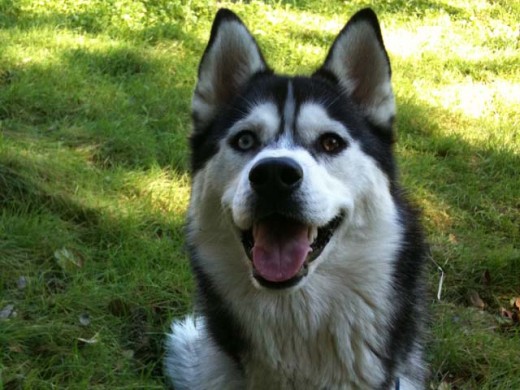 Siberian Husky smile.
 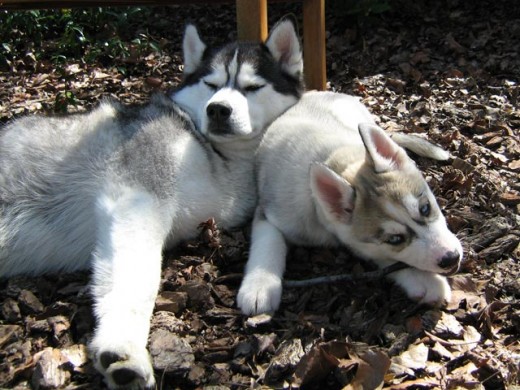 Big Husky and Little Husky.
 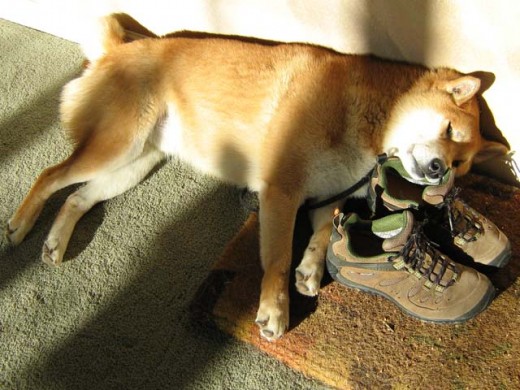 Shiba Inu and his shoe pillow.
 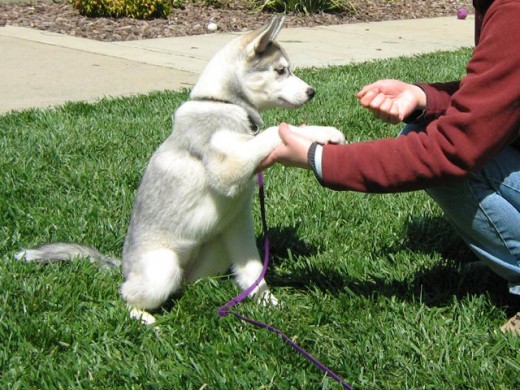 Dog handshake.
 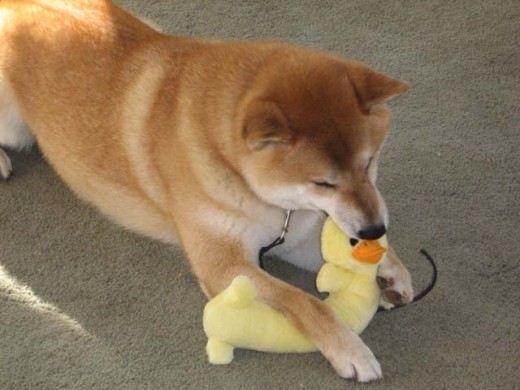 Shiba Inu and duck toy.
 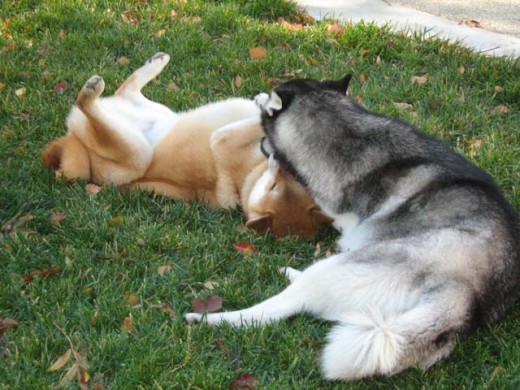 Shiba and Husky playing in the grass.
 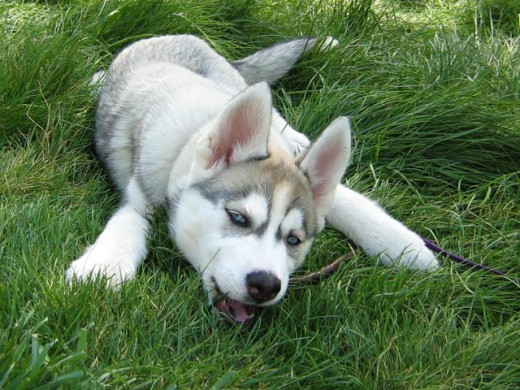 Husky puppy on the green, green, grass of home.
 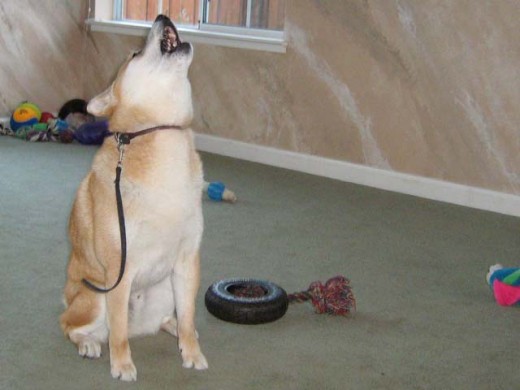 Shiba Inu singing for his supper.
 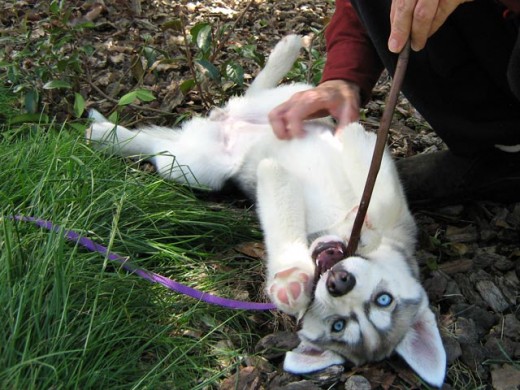 Husky puppy playing with a stick.
 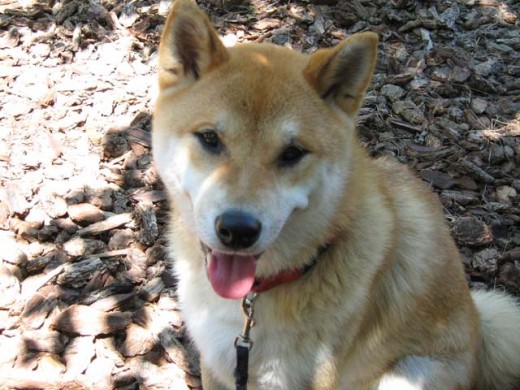 Shiba Inu smile.
Shiba and Siberian rendered using Galleria.
The same native WordPress gallery rendered using Smooth Gallery –


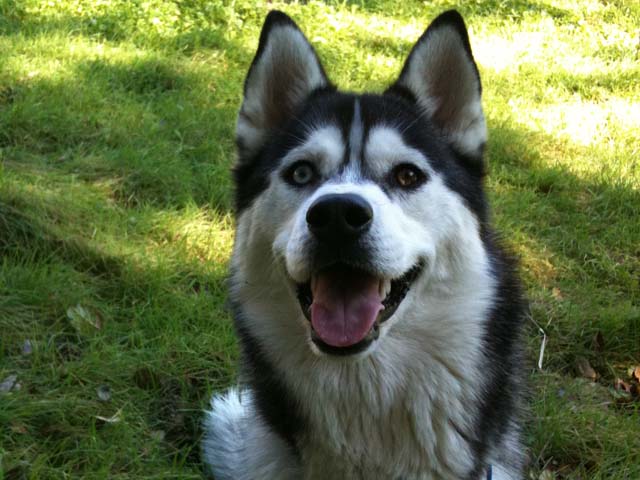
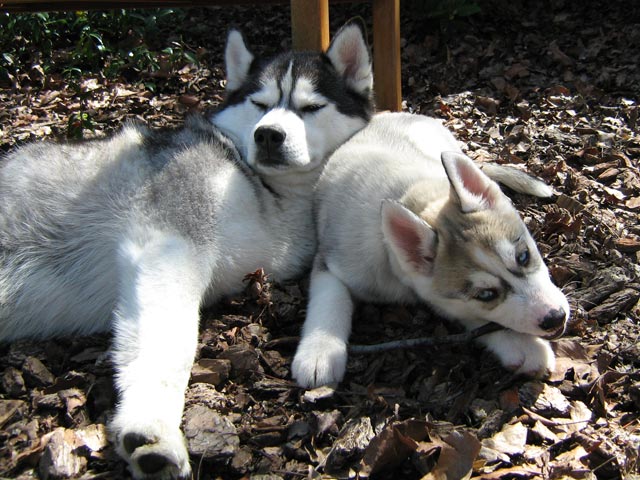
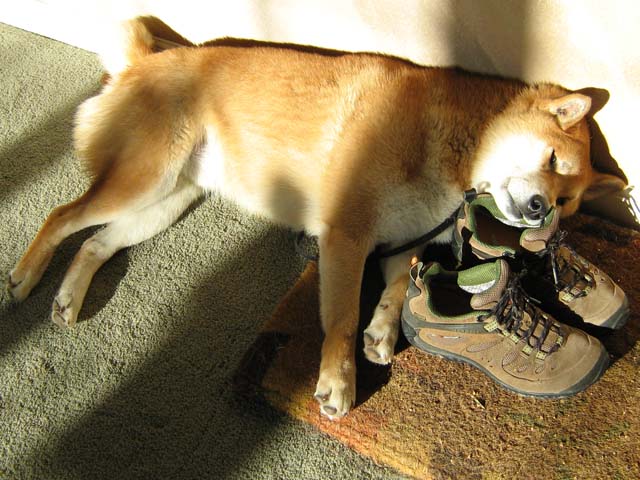
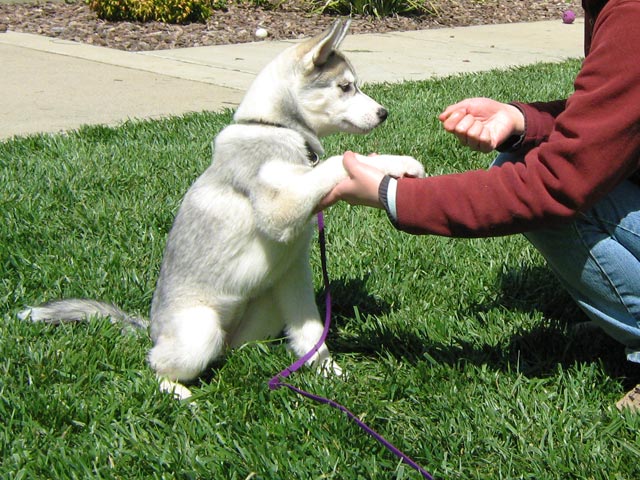


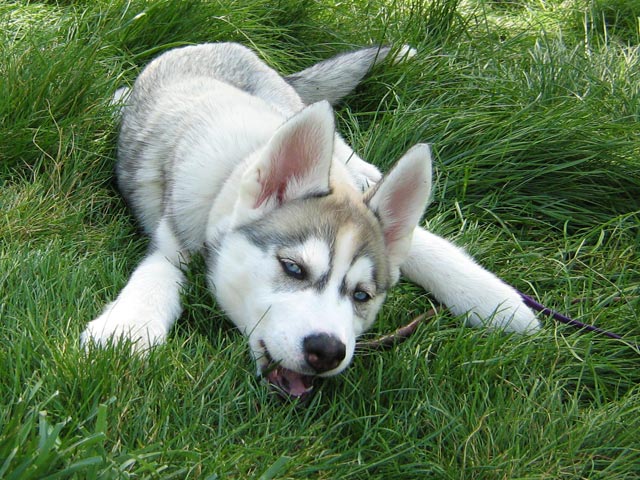
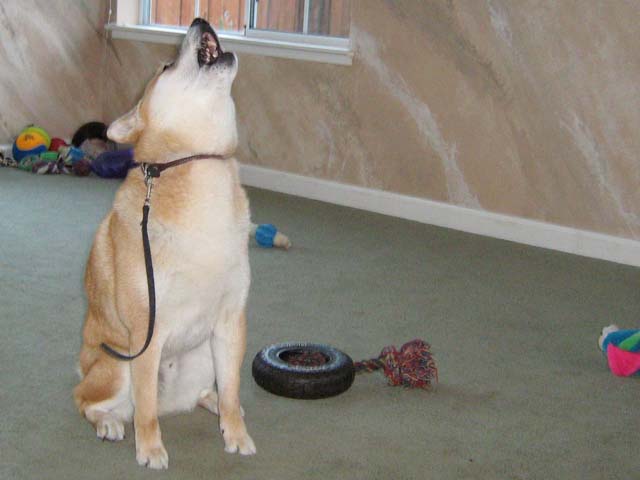
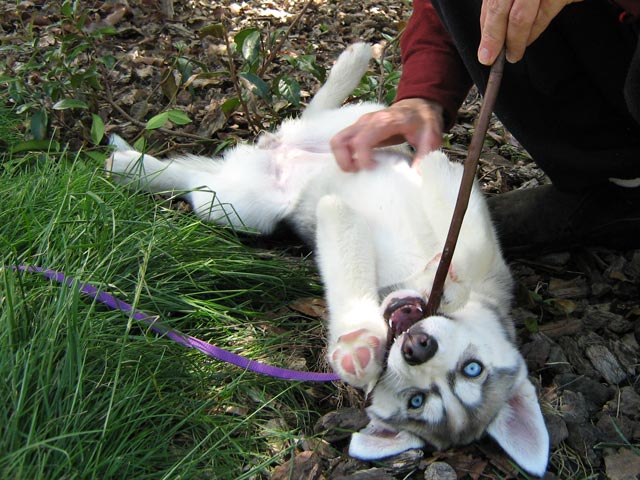
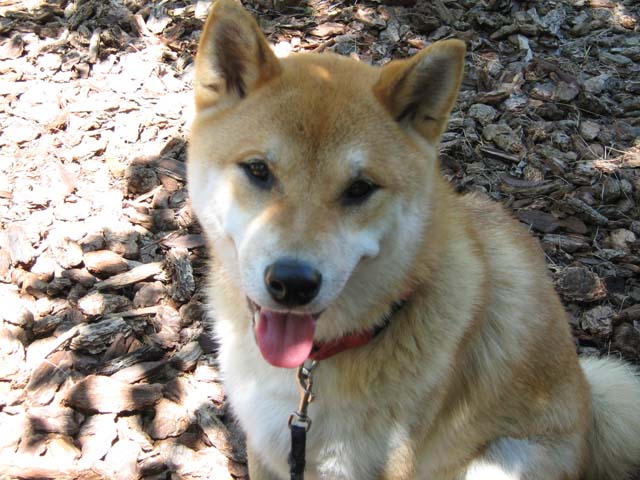
Shiba and Siberian rendered using SmoothGallery.
awesome plugin dude…ur genius
Hello Again Shiba!
I love the look of your Gallery plugin. I have WP 3.0.1 and the Atahualpa theme. I downloaded the plugin, but I can’t find anywhere to adjust settings. I have a gallery that displays fine in WP Gallery. Since I installed the plug-in, the gallery now is blank with a question mark over an image and a line above and below. The lines also move. So… is it compatible with 3.0.1? What should I look for? I’d really like to see how it works on my site! Thanks.
Hmmm, there could be an issue with the javascript. Try using –
and see what you get.
If you give me the URL for the test page, I can also look it over.
I also tested it out on Atahualpa in my setup. The only issue is the usual image padding styles. That can be fixed by adding –
.post .noobmain img { padding:0; border:none; }